Skip to content
Home » Archives for brickfieldadm

brickfieldadm

“PDF” crossed out in red above green text reading “HTML · DOCX,” with the subtitle “Document Format & Accessibility.”

Accessible Document Formats

  • 9 min read

Choosing the right document format is essential for creating truly accessible digital content. While PDFs remain common, formats such as HTML and structured DOCX often provide better compatibility with assistive technologies, improved usability, and greater flexibility for diverse learners. This post explores why accessible document formats matter — and how small format decisions can make a big difference in inclusive learning and communication.

why-centred-text-slows-reading-blog-image

Why Centered Text Slows Reading

  • 7 min read

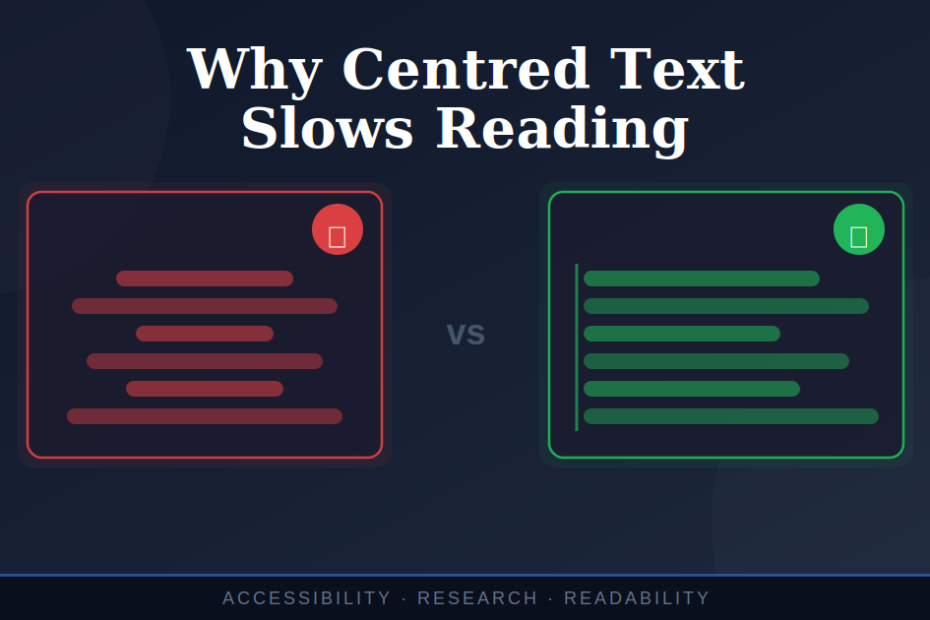
Picture this: you’re trying to read a webpage, but something feels off. Your eyes keep getting lost. You find yourself re-reading the same lines. You’re working harder than you should be just to follow the text.

What you’re experiencing isn’t a personal failing. It’s a design problem. And this is key — when text is centred, it breaks the fundamental way our brains process written information.

Fireworks of multiple colours exploding in. the sky.

The Irony of Best Of Videos: Celebrating the Year While Excluding Your Audience

  • 6 min read

As December rolls around, social media feeds fill with slickly produced ‘year in review’ videos. Companies showcase their achievements, milestones, and memorable moments through dynamic montages set to upbeat music. These videos are designed to inspire, connect, and celebrate.

But here’s the uncomfortable truth: many of these celebratory videos actively exclude significant portions of the very audiences they’re trying to reach.

Not through malice, but through design choices that create barriers. And once you recognise those barriers, you can’t unsee them.

ETBI Universal Design in FET holding screen. showing the date, location.

Some thoughts on Universal Design in FET Workshop

  • 12 min read

Explore key reflections from our attendance at the workshop on Universal Design in Further Education & Training (FET). Learn how applying Universal Design practices can enhance inclusivity and accessibility in FET settings

Screenshot of an 'Edit post for column Design stage' window on a project board. The post title field reads 'Design for your audience.' The content area shows markdown text with a heading '# Research,' a short paragraph about audience research, and a bulleted list using italic, bold, and bold-italic formatting. Below it, a preview box explains markdown examples such as headings, italic, bold, and numbered lists. Media attachment buttons are at the bottom

Board new feature: note formatting

  • 2 min read

New in Board for Moodle: ✨ Text Formatting!
📝 Add headings, bold, italics
📌 Use lists + line breaks
💡 Make notes clearer & more engaging