Board release: comment notifications keep students in the conversation
Discussion is one of the most powerful things a virtual classroom can offer — but only if students know when it’s happening. Until now, anyone posting on a Board had to come back and check manually to see whether their classmates or teachers had replied. With this release, that changes.
What's new
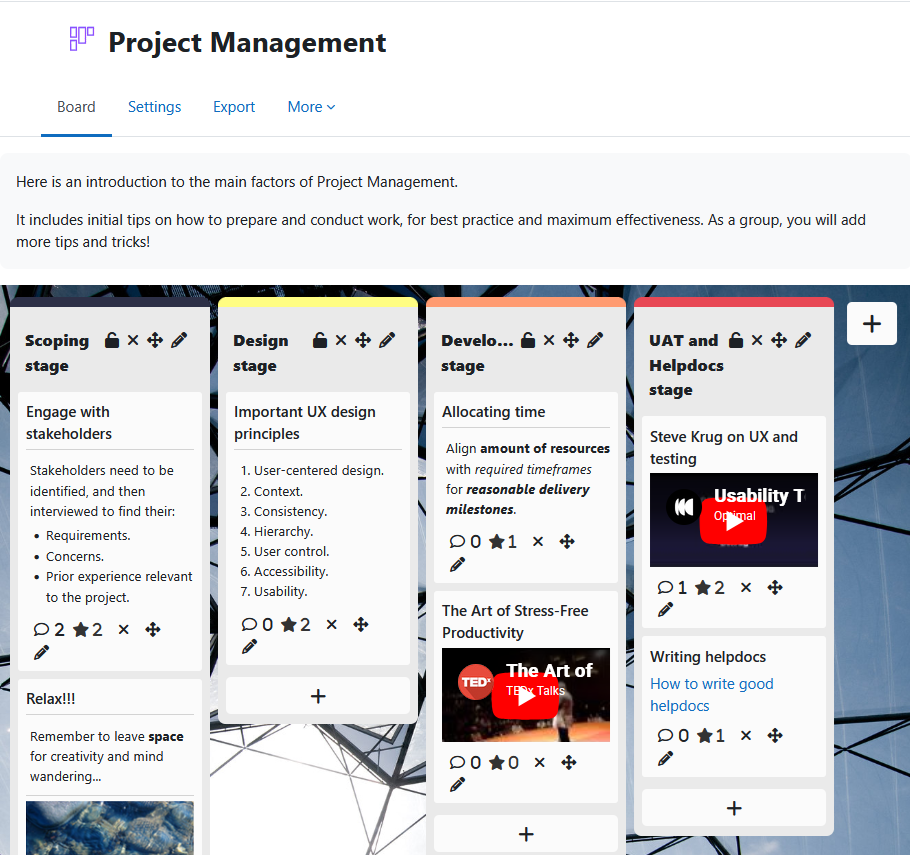
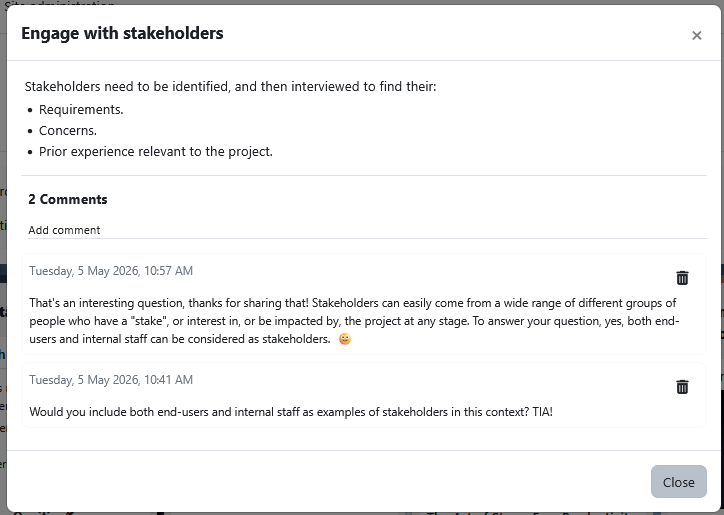
Students will now receive a Moodle notification whenever someone comments on one of their posts. The moment a peer or teacher engages with their contribution, students know about it — without having to refresh, revisit, or remember.
Notifications are delivered through Moodle’s standard notification system, which means students don’t have to learn anything new. They can manage how they receive comment notifications — by email, mobile, popup, or any combination — directly from their notification preferences in their profile settings. The same controls they already use for assignments, forums, and messages now extend to Board comments.
Why it matters
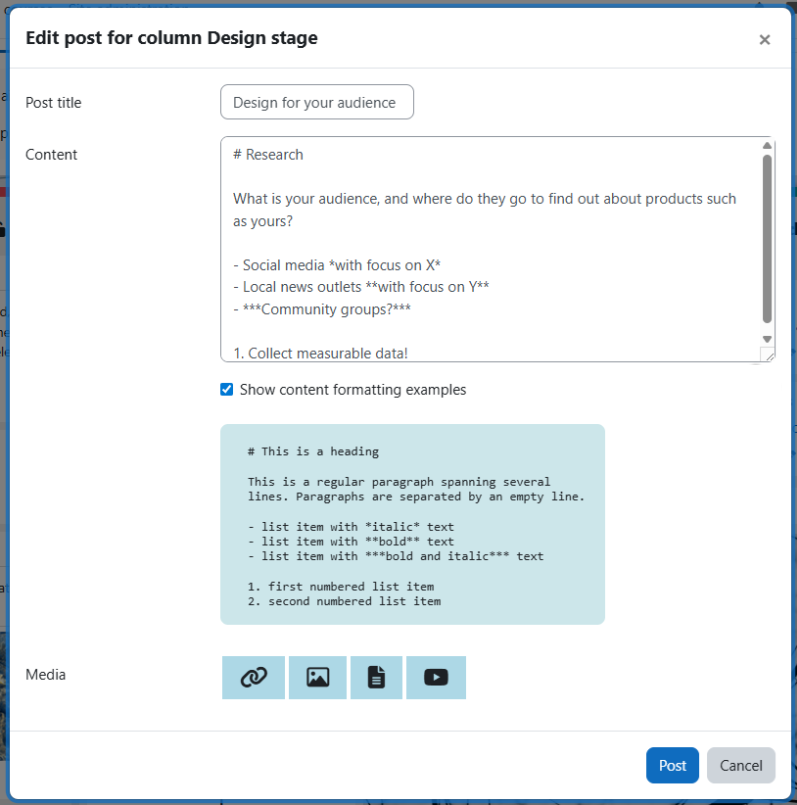
Discussion-based activities work best when conversations feel alive. A student who shares an idea wants to know how others respond. A teacher leaving feedback wants that feedback to land. Comment notifications close the loop, turning Board posts into ongoing exchanges rather than one-off submissions.
For educators, this means:
- Higher response rates on collaborative activities, because students return to threads they’re invested in.
- Stronger peer-to-peer learning, as comments and replies build on each other.
- Less time spent reminding students to check back on their posts.
For students, it means their work feels seen — and that recognition often makes the difference between participation and engagement.
Compatibility
This release supports Moodle 4.5, 5.0, 5.1, and 5.2, so whether your institution is on the latest LTS or running the most recent version, you can take advantage of comment notifications today.
How to get it
You can download or update Board from the Moodle plugin directory.
Once installed, comment notifications work automatically — no extra configuration is needed. Students can fine-tune their preferences at any time from their profile settings.
We want to hear from you
This release was shaped by feedback from the educators and administrators who use Board every day. If comment notifications make a difference in your courses — or if there’s something else you’d like to see next — contact us using this form. Your input directly informs what we build next.