Skip to content
Home » Archives for Annabelle Snow

Annabelle Snow

The Disability Pride Flag: five diagonal stripes in red, gold, white, blue, and green on a charcoal background.

Disability Pride Month

  • 5 min read

Disability Pride Month is celebrated every July, tracing back to the Americans with Disabilities Act signed in 1990. In this post, we look at the history behind the month, the meaning of the Disability Pride flag, and what it means for digital accessibility — including some practical checks you can make today.

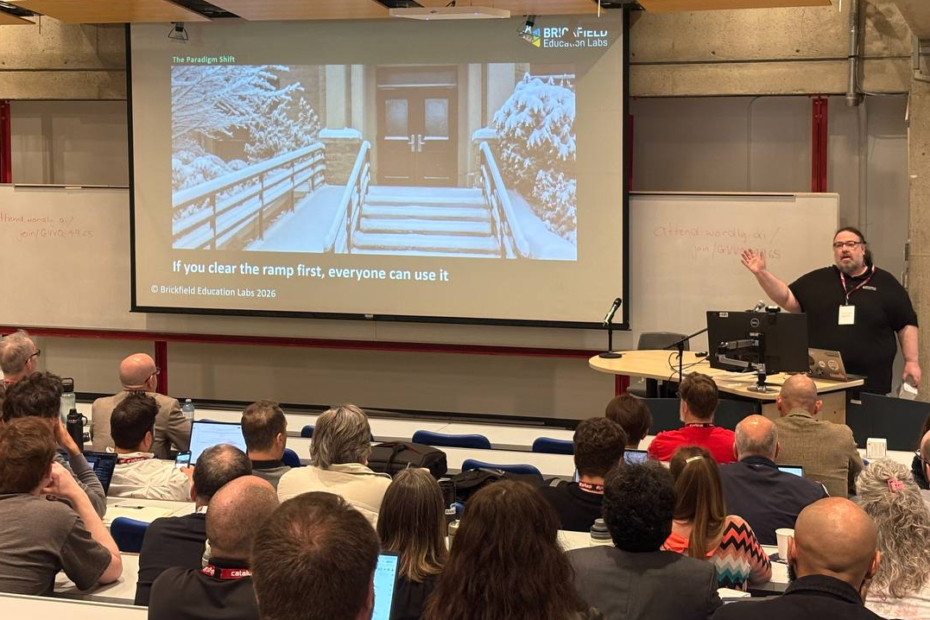
Gavin Henrick presents at MoodleMoot Canada, gesturing toward a projection screen showing a slide titled "The Paradigm Shift" from Brickfield Education Labs. The slide features a snow-covered building entrance with a ramp and stairs, captioned "If you clear the ramp first, everyone can use it.

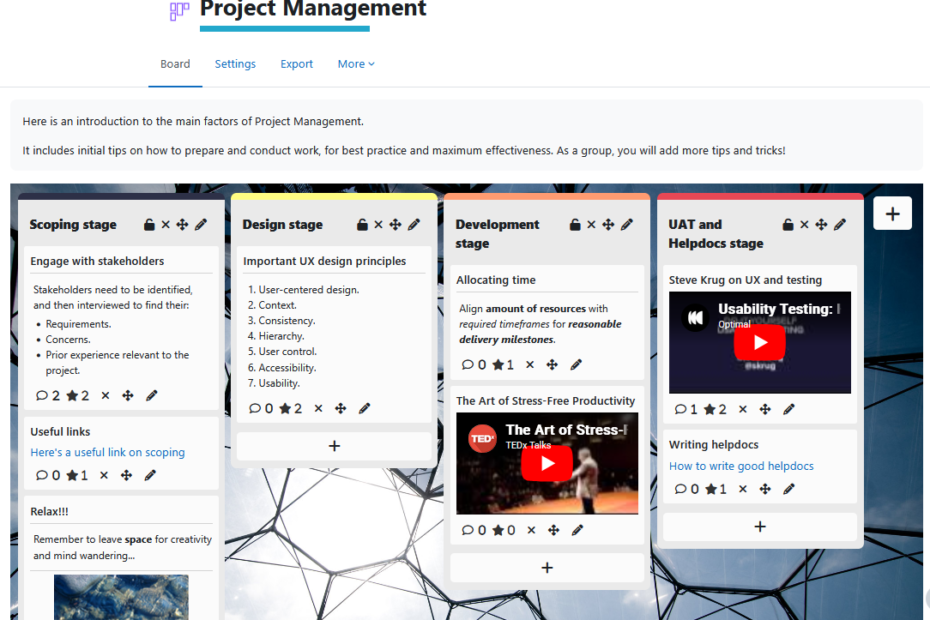
The Hierarchy of Effective Learning Content: From Available to Universal
  • 11 min read

 Most institutions jump straight to Universal Design for Learning — and wonder why it doesn’t stick. The truth is that UDL is the pinnacle of a five-level hierarchy, and without the four foundations beneath it, even the best inclusive design falls flat.
The Hierarchy of Effective Learning Content starts where learners actually are: Can they reach the content at all? Does it work with assistive technology? Can they read and understand it? Can they adapt it to their needs? Only once those foundations hold does UDL become possible — and powerful.
This post walks through each level, from availability and accessibility to readability, adaptability, and finally UDL, with practical steps for building content that works for every learner from the ground up.

Who needs transcripts? Online Training & Accessibility.

Transcripts Are Not a Nice-to-Have. They Are the Session.
  • 11 min read

Online training without a transcript is not fully accessible — it never was. When a session ends with no written record, it quietly excludes a significant proportion of learners: people who are Deaf or hard of hearing, those with auditory processing differences, ADHD, working memory difficulties, non-native speakers, and many others. Most of these needs are invisible to a facilitator; participants won’t announce them, they’ll simply get less from the session — or not attend at all. Transcripts aren’t a special accommodation. They’re part of how good training works.

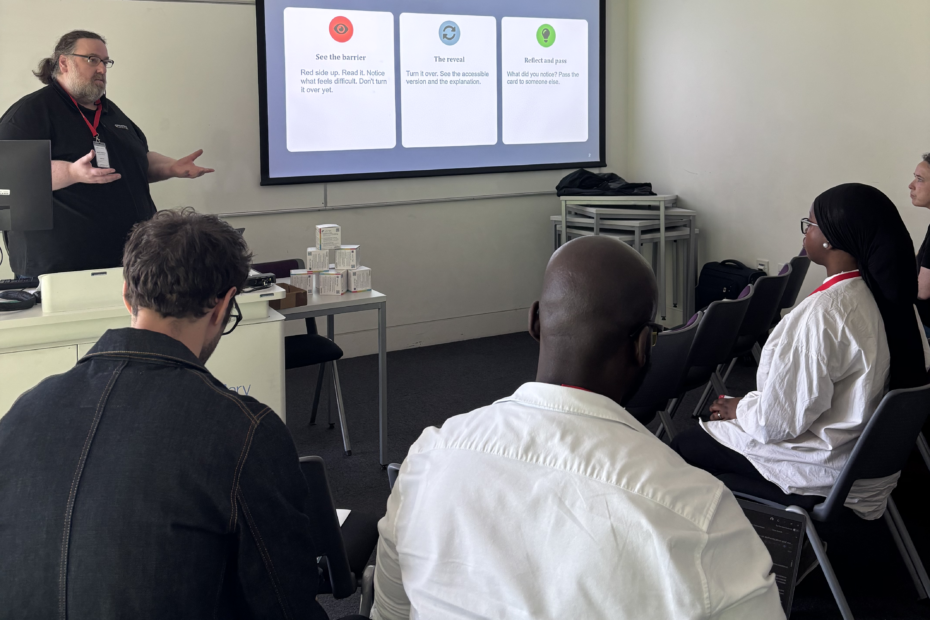
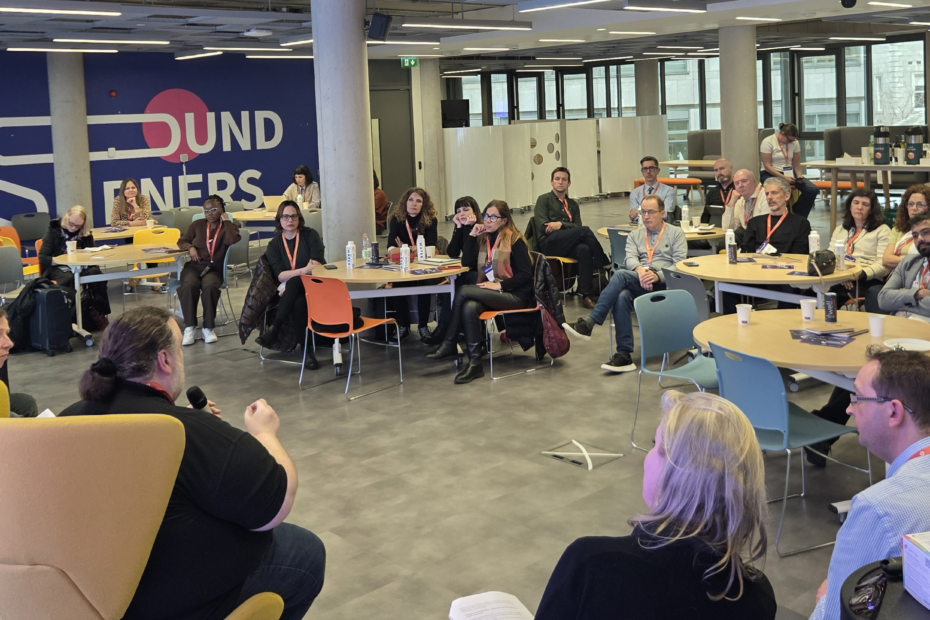
Attendees seated at Trinity Business School, Dublin, watching the expert panel discussion. The panel members are visible in the foreground seated facing the attendees: Gavin Henrick, CEO and Co-Founder of Brickfield Education Labs; Madeline Murray, National Coordinator at Oide Technology in Education; Rosa Doran, President and Founder of NUCLIO; and Alan Culbert, Deputy Principal of Edmund Rice College.

Brickfield at TD3C: Reflections from the Panel
  • 4 min read

Earlier this week, Brickfield Education Labs co-founder and CEO Gavin Henrick joined the expert panel at Empowering Teachers to Create Digital Content, the closing event of the TD3C project in Dublin. Here he shares his reflections on the day and his fuller thoughts on accessibility, copyright, and what it really means to put teachers at the centre of digital education.

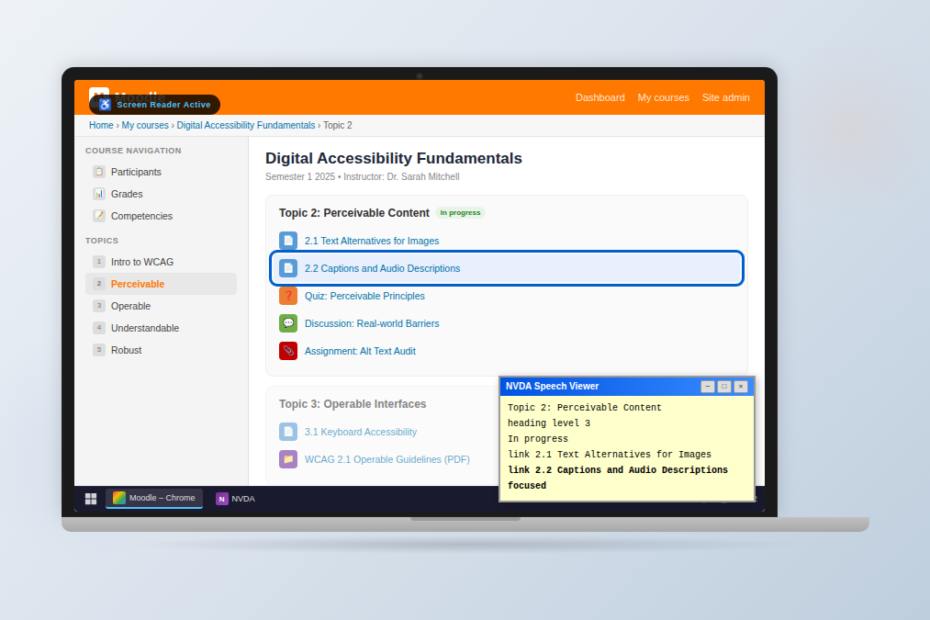
a laptop with a Moodle course ("Digital Accessibility Fundamentals") with the NVDA Speech Viewer open showing screen reader output, a blue focus ring on the current activity, and a Windows taskbar.

Why Accessibility Overlays Fail

  • 9 min read

Accessibility overlays promise a fast, low-cost path to compliance — but growing evidence from regulators, accessibility experts, and disability organisations shows they often fail to deliver. This article examines why overlays don’t fix underlying accessibility barriers, how they can interfere with assistive technologies, and why legal and regulatory bodies increasingly reject them as a compliance solution. More importantly, it outlines what genuine, sustainable digital accessibility actually requires.

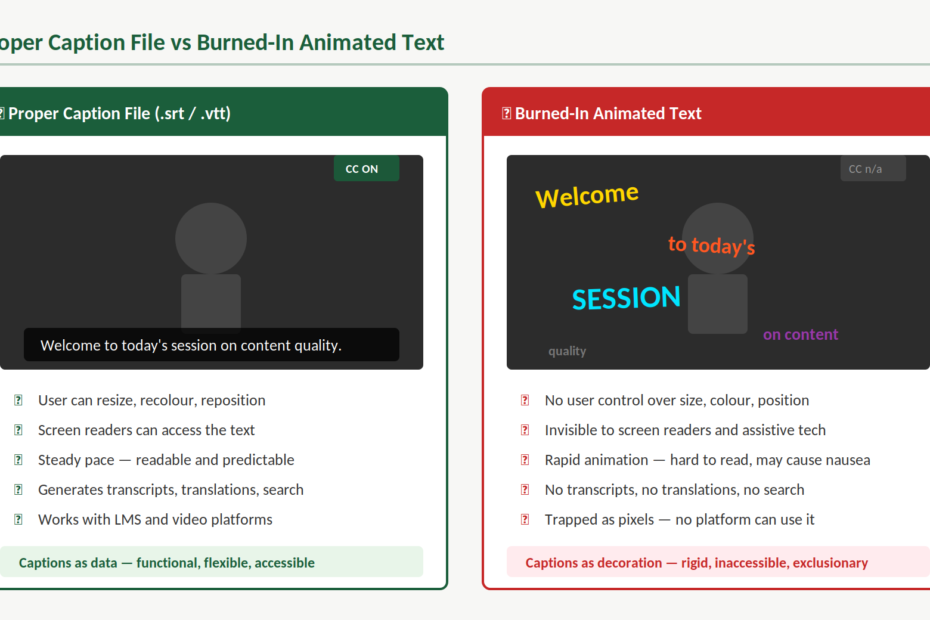
Side-by-side comparison of two approaches to video captions. On the left, labelled "Proper Caption File (.srt / .vtt)", a video player shows steady white caption text on a dark background reading "Welcome to today's session on content quality", with a CC ON button visible. Below it, five green ticks confirm: user can resize, recolour, and reposition; screen readers can access the text; steady pace that is readable and predictable; generates transcripts, translations, and search; works with LMS and video platforms. A summary reads "Captions as data — functional, flexible, accessible." On the right, labelled "Burned-In Animated Text", the same video shows words scattered across the frame in different sizes, colours, angles, and opacities, with no CC control available. Below it, five red crosses confirm: no user control over size, colour, or position; invisible to screen readers and assistive tech; rapid animation that is hard to read and may cause nausea; no transcripts, translations, or search; trapped as pixels with no platform able to use it. A summary reads "Captions as decoration — rigid, inaccessible, exclusionary."

When Captions Become Decoration: Why Animated Text Overlays Are an Accessibility Problem
  • 8 min read

Animated text overlays are everywhere — words bouncing, flashing, and flying across our screens in sync with speech. They look like captions, but they aren’t. When text is burned into a video instead of provided as a proper caption file, viewers lose control, assistive technologies lose access, and accessibility quietly disappears. This article explains why captions are infrastructure, not decoration — and how creators can keep their videos engaging without excluding the people who rely on captions most.

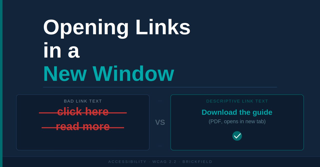
Opening Links in a New Window. It compares poor and good link text: the left example shows “click here” and “read more” crossed out as bad link text, while the right example shows the descriptive link “Download the guide (PDF, opens in new tab)” with a check mark indicating it is the recommended practice.

Opening Links in a New Window: Accessibility Guidance

  • 18 min read

Opening links in a new window or tab is rarely necessary and can create accessibility barriers for many users. For people using screen readers, magnification tools, or those unfamiliar with browser behaviour, unexpected new windows can disrupt navigation and cause confusion. This guidance explains why it is generally better to let links open in the same window, highlights what WCAG 2.2 recommends, and outlines the limited situations where opening a new window may be appropriate. It also provides practical tips for writing clearer, more descriptive links and improving overall accessibility.