Browser and Authoring Guides
Tools fix today's content; skills futureproof tomorrow's.
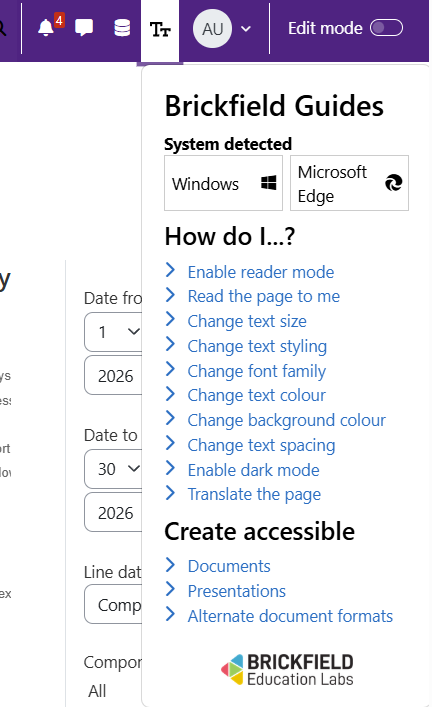
Brickfield Enable includes built-in guidance for both staff and students, available right inside Moodle, so good practice is always close at hand.
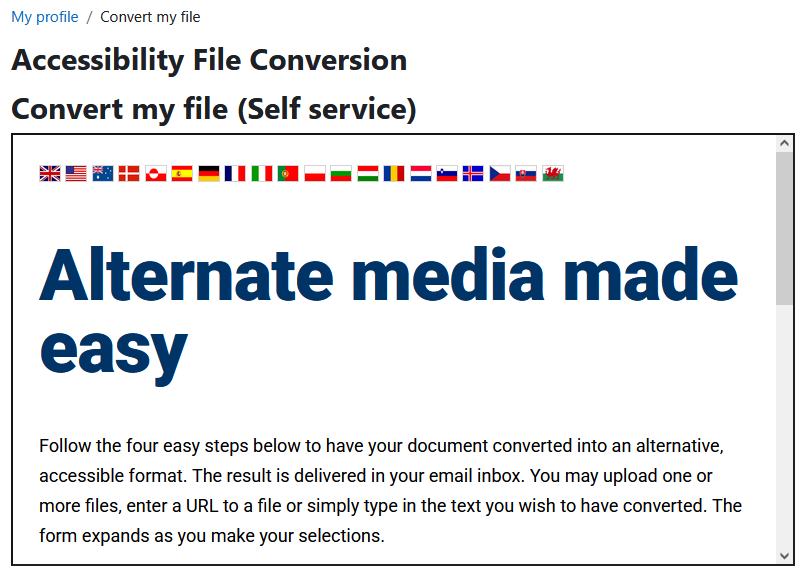
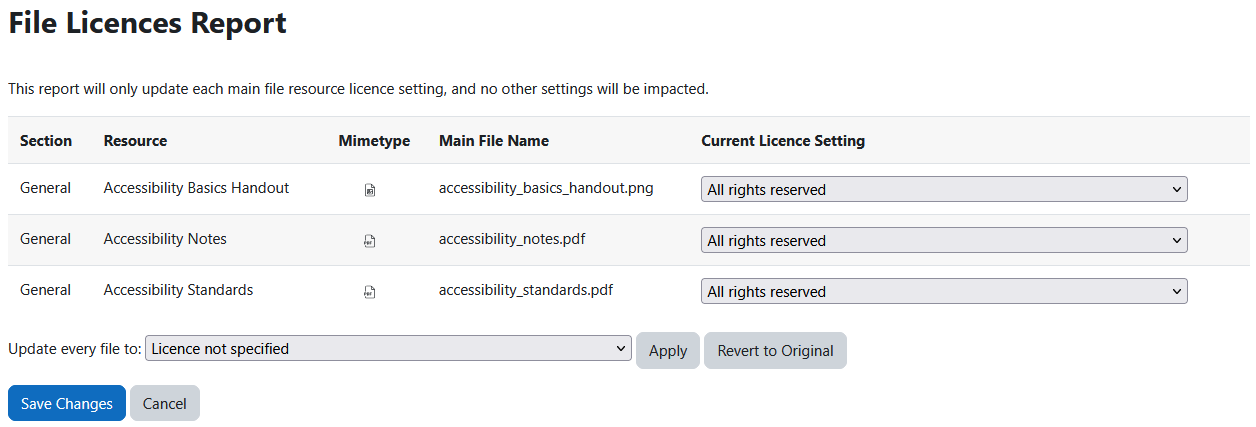
Students get step-by-step browser tips for tailoring their own reading experience, and practical guides on creating accessible documents, presentations and alternative formats, as seen here.
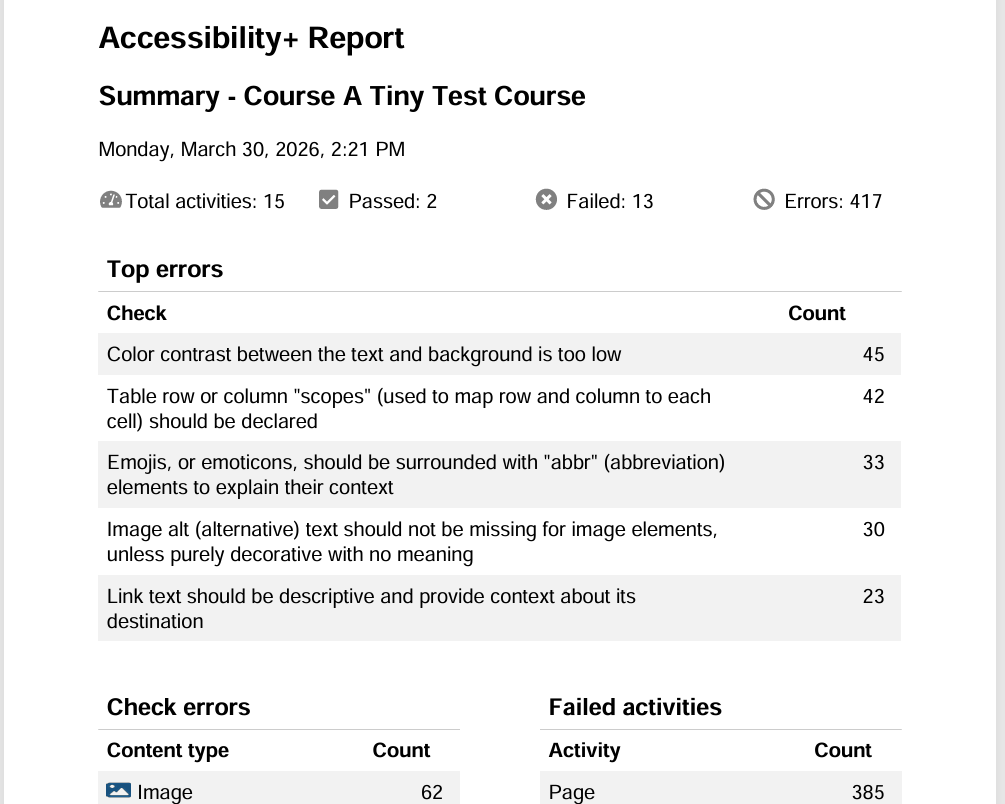
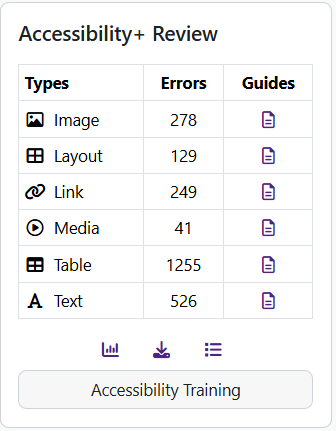
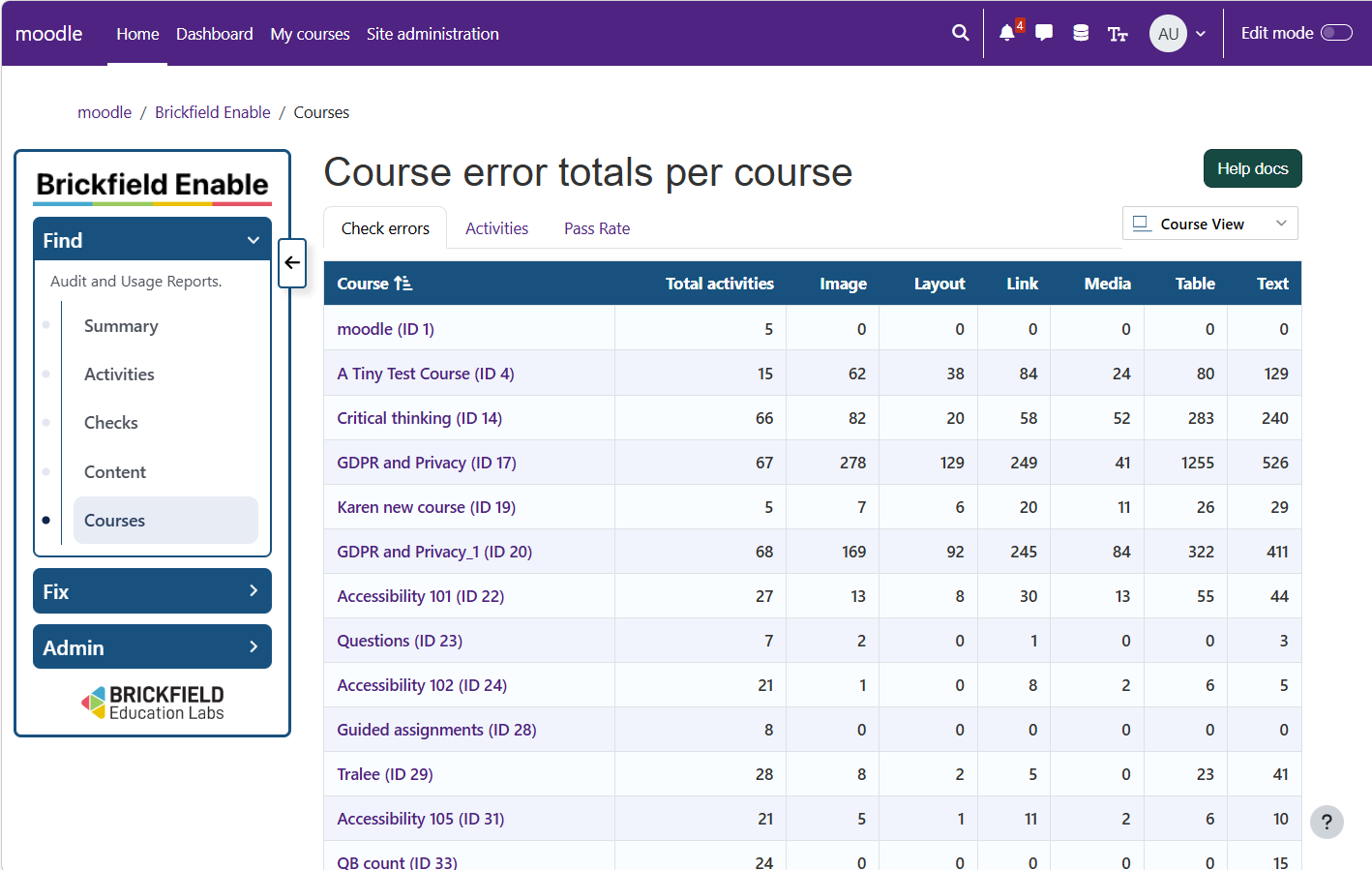
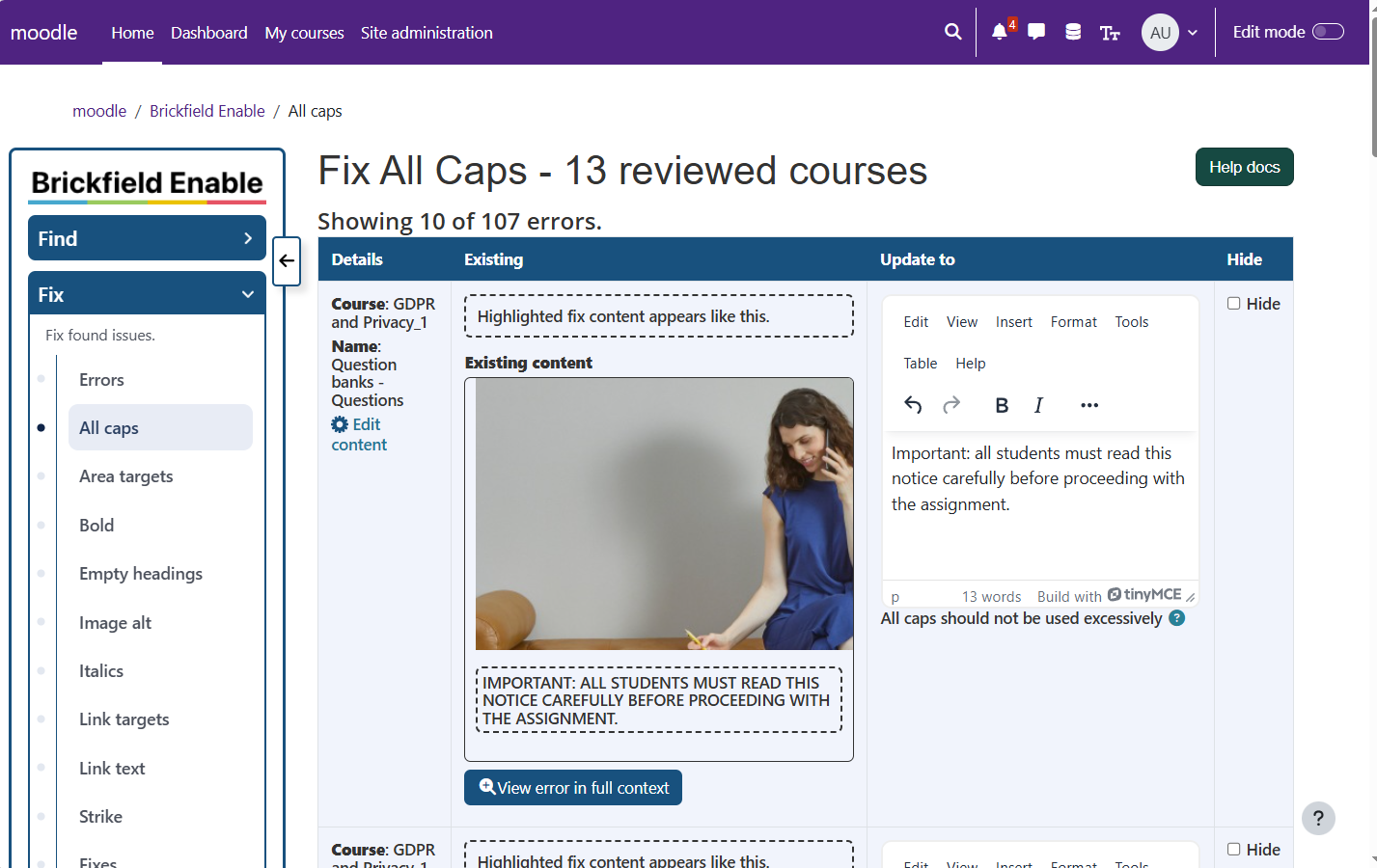
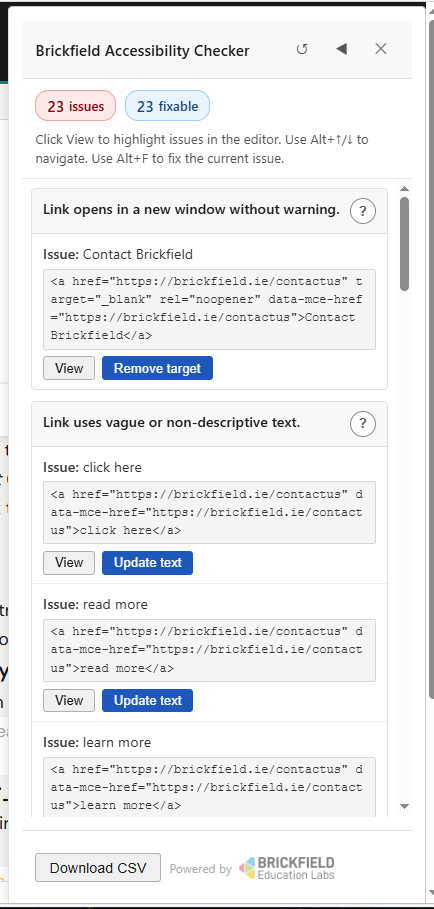
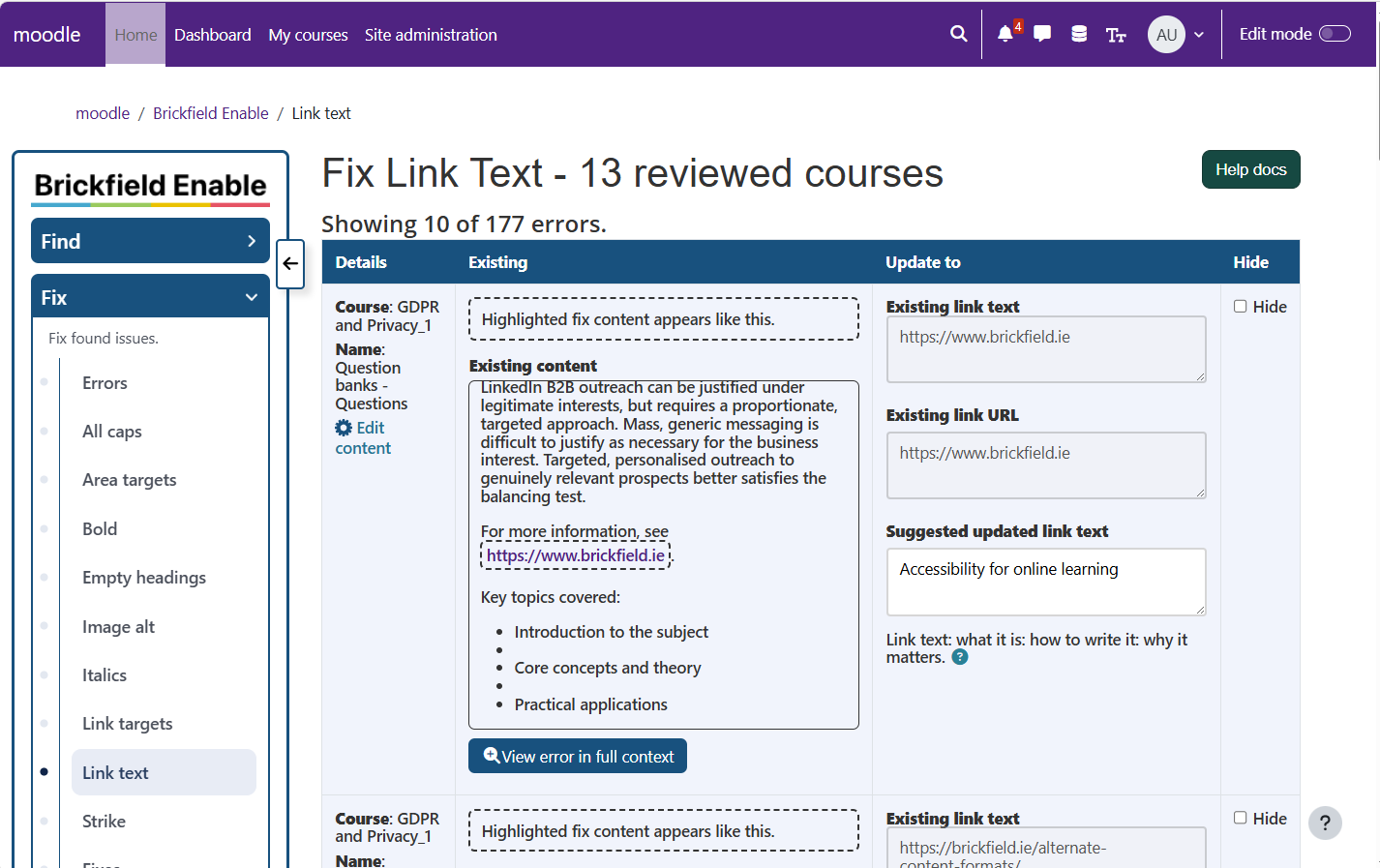
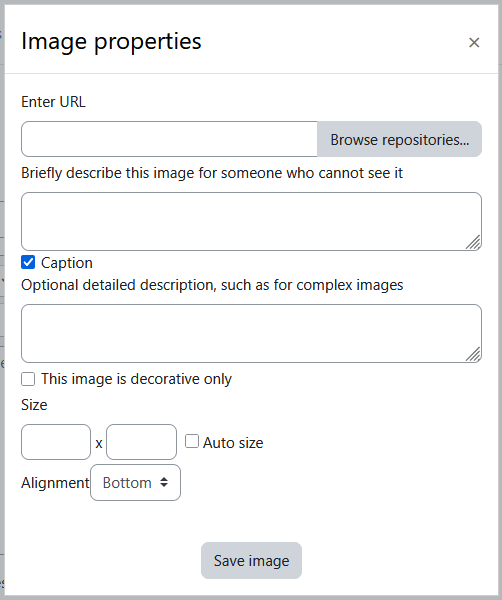
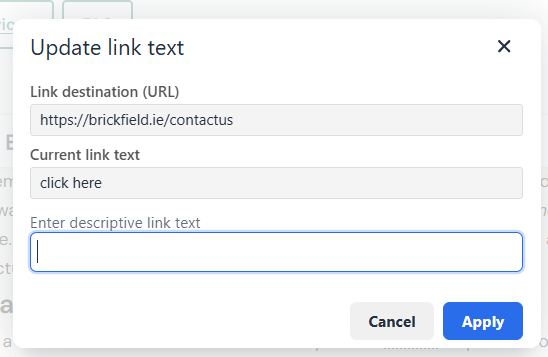
Staff get, in addition to the student guides, their own just-in-time tips within Enable for better content creation, based on our types: images, layout, links, and so on. They also get tips, examples, and potential impacts on each of the checks being run.
The various guides cover:
- Browser tips for reader mode, read-aloud, text size, spacing, fonts, colours and dark mode, and so on.
- Step-by-step support tailored to each platform and browser.
- Guidance on creating accessible documents and presentations.
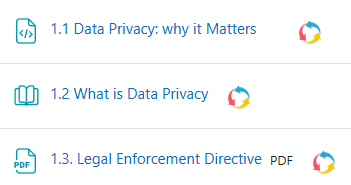
- How to create and use alternative document formats.
- Just-in-time accessibility tips for creating content types.
- Just-in-time accessibility tips for understanding checks and their purpose.